
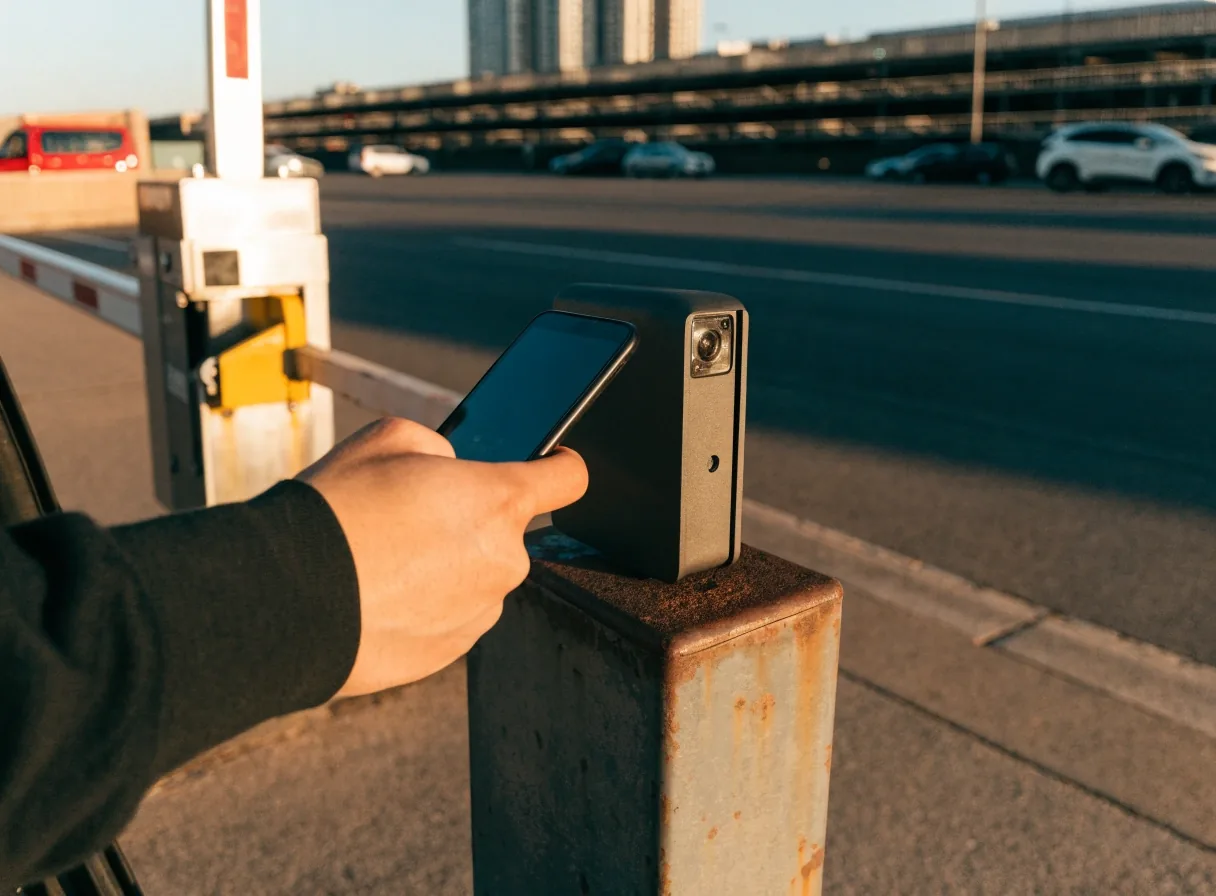
Entry and exit, step by step
How QR code entry and exit works
Booked parking at Melbourne Airport runs on a QR code rather than a paper ticket. You scan it going in, scan it coming out, and the barrier does the rest. This page covers where the code comes from, how to use it, and what to do when a gate reader is not cooperating.
Where it starts
Where your QR code comes from
The QR code is issued in your booking confirmation email. It is generated the moment you complete an online booking, which is why drive-up parking does not produce one: there is no booking behind it. The airport treats QR code entry as part of the online booking flow, so the code exists from the second your payment clears.
That means the code is tied to your booking, your car park, and your booked times. It is not a generic pass you can share around, and it is not recovered by rocking up at the gate and explaining the situation to a barrier. If you cannot find the confirmation email, search your inbox for the car park operator's name and the date you booked, or check the booking account you used.
- Generated with the booking, not at the boom gate
- Matched to one car park and one set of booked times
- Sent to the email address on the booking
- Forwardable, but still attached to that booking
At the boom gate
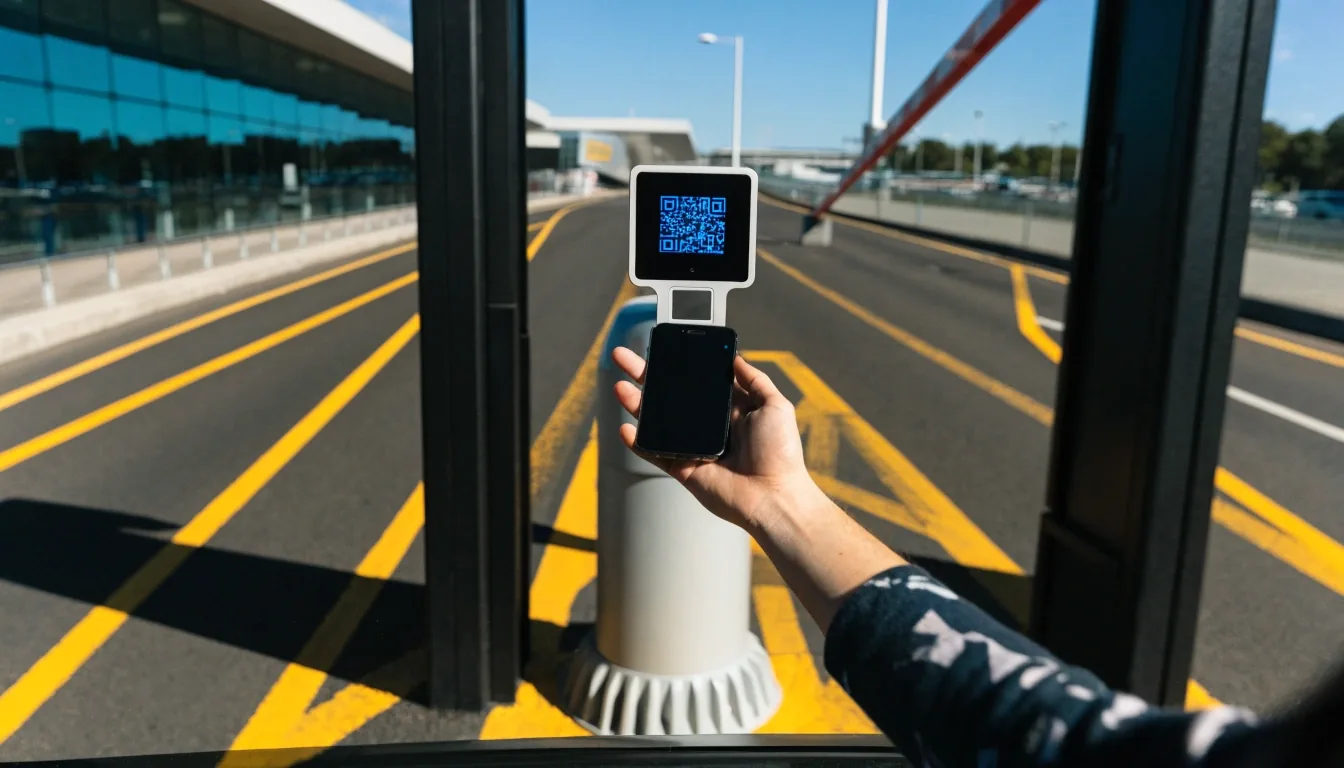
Scanning in at the entry gate
On arrival, pull up to the entry barrier and hold the QR code steady at the reader. The gate opens once it registers. There is no ticket to take, which is the whole point: nothing to lose between the car park and the departure lounge.
Have the code open before you reach the barrier. Digging through email on a phone while a queue builds behind you is a poor start to a trip, and multi-storey car parks are not famous for reliable mobile signal. Screenshots load instantly. Email attachments sometimes do not.
Before the barrier
Brightness up, phone out of the case if it has a thick magnet, code on screen.
At the reader
Hold steady a hand's width from the glass. Do not tilt or wave the phone across it.
Once it registers
The barrier lifts and your booked entry time starts counting from that moment.
Coming home
Scanning out at the exit gate
On your return, the process repeats at the exit gate. Scan, the barrier lifts, you leave. Because the booking is tied to your booked arrival and departure times, your exit is part of the same record rather than a separate transaction.
This is where an overstay shows up. If you exit well after your booked departure time, that difference sits outside the booking, and it is the situation the optional Overstay Guarantee is designed around. If you did not add it and your plans moved, expect to sort the difference out at the gate or through the operator's own process.
Exiting within your booked times
Scan at the exit reader and the barrier lifts as normal. Nothing extra to do, nothing to pay at the gate, and no need to visit a payment machine on the way out.
Exiting well after your booked time
The additional time falls outside the booking. If you hold the Overstay Guarantee, that is what it covers. If not, the difference is handled at the gate or by contacting the operator before or after you leave.
When it fails
If the reader does not pick up your code
Barrier readers fail occasionally, and it is rarely the booking that is wrong. Bright sunlight on a phone screen, a cracked display, a thick screen protector, or a dimmed brightness setting can all interfere with the scan.
-
1
Turn the brightness up
Full brightness is the single most common fix. Auto-brightness indoors often leaves the screen too dim for the reader.
-
2
Hold the phone steady
Keep the code square to the reader and hold it still for a couple of seconds rather than moving it around.
-
3
Use the help point
Every entry and exit lane has one at the barrier. That is the mechanism for a code that will not scan at all.
-
4
Do not reverse out
Backing out to try another lane slows the queue and rarely helps. Talking to staff at the barrier is faster.
If the failure happens on the way out rather than the way in, the same advice applies: try brightness and a steady hand at the exit reader, then use the help point. Staff at the barrier can look up the booking and release the boom gate for you.
Keep the code somewhere that does not need a network
Screenshot it
A screenshot lives in your photo library and opens in two taps with no data and no signal. This is the habit that solves the problem before it happens.
Save the email for offline
If your mail app offers offline access for flagged or saved messages, flag the confirmation. It will be readable even in airplane mode.
Add it to an album
Some travellers drop the image into a dedicated album so it is not buried under holiday photos by the time they land.
This matters most at the exit gate after a long flight, when your phone has been in airplane mode, your battery is low, and you are not at your sharpest. A screenshot costs nothing and removes the problem entirely.
Timing and handovers
Arriving early, running late, or handing the car to someone else
Two things cause most gate friction at Melbourne Airport parking: a booking time that no longer matches the trip, and a QR code that never left the traveller's phone. Both are easy to avoid.
Arriving a little early or late
This is common and the gate does not check your booking to the minute. What matters is staying within a sensible range of your booked times. Turn up within the same part of the day and the entry scan behaves normally.
Exiting significantly after your booked time
This is overstay territory. If you know in advance that your plans have shifted, adjusting the booking is cleaner than arriving at the exit gate and negotiating. The airport handles changes through the booking system, so the fix is a booking change rather than a conversation at the boom gate.
A friend or family member moving the car
If someone else is dropping the car off or collecting it, they need the QR code on their own device. Forward the confirmation email before they set off, and confirm they can actually open it. A common failure here is the traveller keeping the only copy, then flying out.
Sending it to the right person twice
Forward the booking confirmation to the driver as well as keeping your own copy, and ask them to confirm they have it before the day. Sending it twice costs a few seconds and removes the risk of a gap at the barrier.
Questions that come up at the barrier
Can I use the QR code in more than one car park?
No. The code is tied to the specific car park named on your booking, which is why the confirmation email is worth reading before you set off. If you booked one of the onsite car parks and want to compare alternatives before you commit, our car park options page sets out how the sites differ.
What happens if my phone battery dies before the exit gate?
Use the help point at the exit barrier. Staff can look up the booking from the registration details and release the gate. A printed copy or a screenshot on a second device is a cheap backup if you are on a long trip.
Does the code expire if I arrive a day late?
Large shifts in arrival date fall outside the booking and are best handled by changing it in advance through the booking system. Small variations around your booked times are normal and do not need a change.
How do I reach the terminals once the car is parked?
It depends on which car park you booked. Some sit within walking distance of the terminals; others run a shuttle. Our guide to shuttles and terminal access explains the transfer options and how often they run.
Who do I contact if the barrier will not let me out?
Start with the help point on the lane, since it connects you to someone who can release the barrier immediately. If you have already left and need to follow up, the car park operator named on your booking confirmation handles the booking itself, and our contact page carries our own office details if you need a second opinion on what to do.
Sort the gate before you get to it
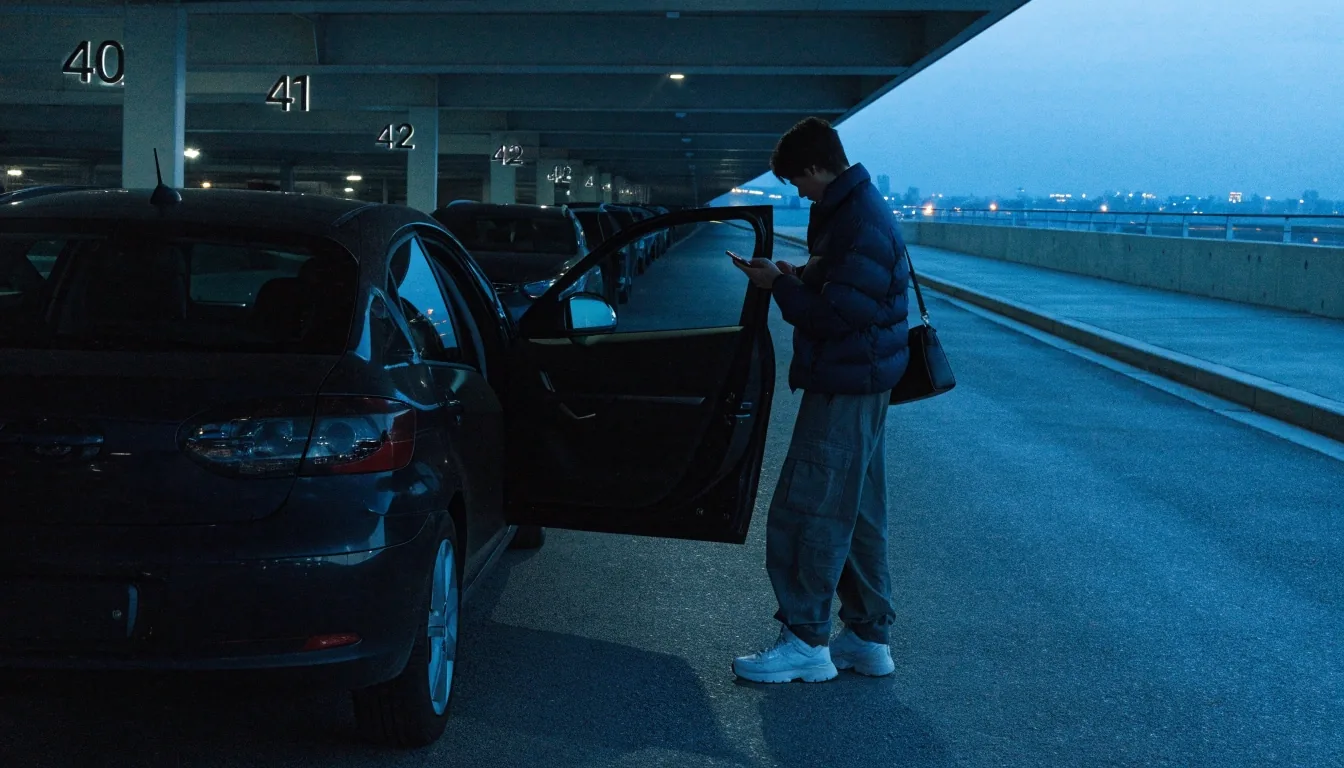
For most trips, QR entry at Melbourne Airport parking takes a couple of seconds at each barrier. The friction only appears when the code is not to hand, the times have drifted, or the person moving the car never received it. Booking online, saving the confirmation somewhere offline, and forwarding it to anyone driving avoids all three.
Still unsure how a step works? Our office answers booking questions on +61 3 8318 4726, Monday to Friday 8:00 AM to 6:00 PM and Saturday 9:00 AM to 4:00 PM, or you can reach us through the contact page.