

Booking walkthrough
How to book airport parking online
Booking Melbourne Airport parking takes a few minutes, but the timing rules matter more than the form. Here is the sequence from opening the booking page to the QR code landing in your inbox, plus what to check before you pay.
Check these four things before you open the booking page
Most booking problems are really planning problems. Settle these first and the online flow for parking airport Melbourne travellers use every day stays short.
- Your arrival date
- Inside twelve months from today, and at least two hours before you reach the barrier.
- Your terminal
- Terminal 4 departures point you at the T4 car park; the others usually point at Terminal or Premium.
- Realistic times
- A time you can actually reach the gate at, not the minute your flight is scheduled to leave.
- A payment method
- Card or digital wallet in hand. Payment completes the booking, so the flow will not finish without it.
Check the booking window first
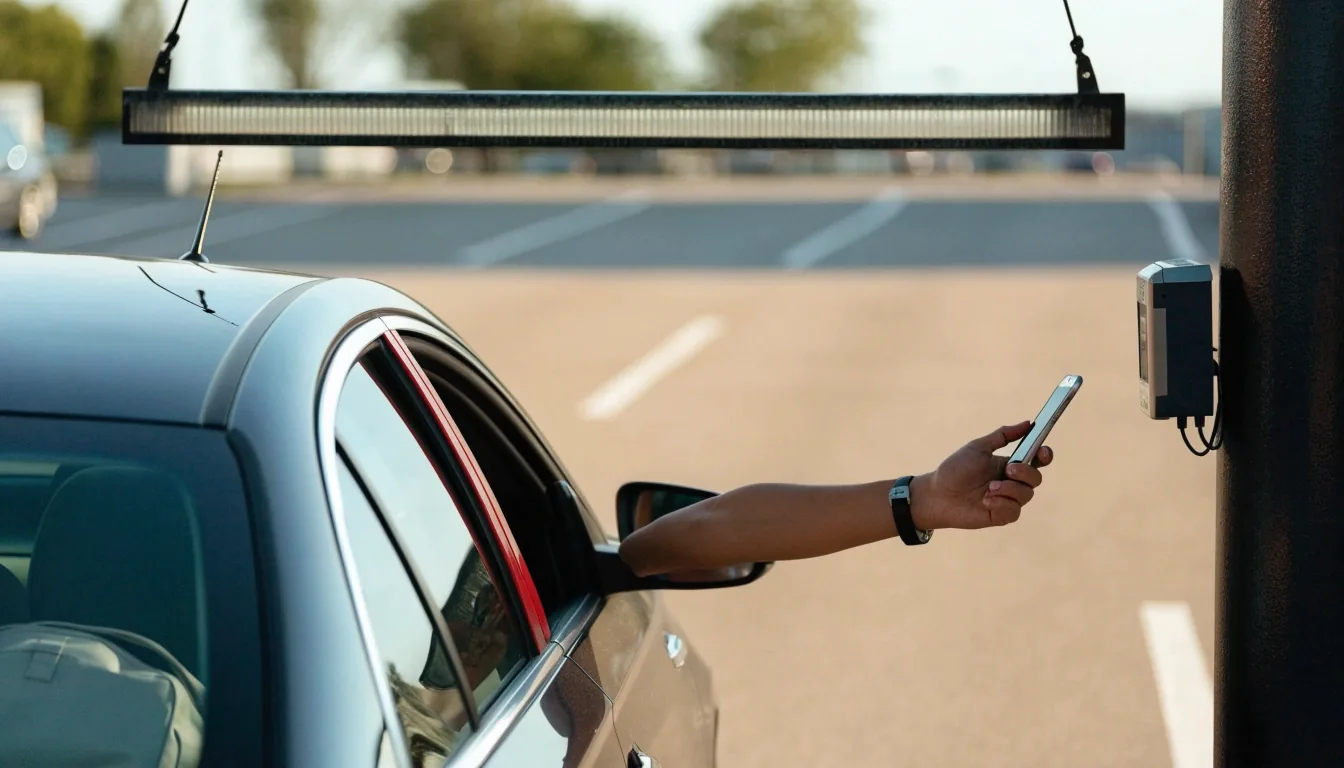
Melbourne Airport allows online pre-booking up to 12 months before arrival. At the other end, bookings close roughly 2 hours before your arrival time. That window is the single most useful thing to know, because it decides whether you are booking at all or paying drive-up rates at the gate.
More than 12 months out
You cannot book yet. Wait until your arrival date falls inside the twelve-month horizon, then book early for the widest choice of car park.
Inside the 2-hour cut-off
The online flow will not help you. You are dealing with the entry gate and drive-up pricing instead.
Everything in between is fair game. Earlier bookings generally give you more choice of car park and more room to pick the product that actually suits the trip, and they leave time to sort payment without watching the clock.
Pick the car park that fits the trip
The booking flow asks you to choose a product: Value, Terminal, Premium or Valet. Match it to your terminal and trip length before you start. A T4 departure points you at the T4 car park, a fortnight in Europe points you at Value, and a same-day return points you at one of the walkable options.
You can change your mind later in the flow, but arriving with a decision already made keeps the process short and stops you second-guessing yourself halfway through the payment step.
Compare car park optionsThe arrival and departure times you type are not cosmetic. They set the price, and they decide when the Overstay Guarantee applies.
Enter your times, not just your dates
The form wants an arrival time and a departure time, and these are not cosmetic. They set the price and they are tied to the Overstay Guarantee if you add it. Give yourself a realistic arrival time. If you plan to drop bags and park, add a buffer rather than booking the exact minute you expect to reach the barrier.
Departure time is easier but worth a second look on return legs that land after midnight. A flight arriving at 11:50pm does not mean you are driving out at 11:50pm — you still need to clear the terminal, collect bags and walk to the car.
- Add ten to twenty minutes between parking and reaching the terminal, then work backwards to set your arrival time.
- On late-night returns, set departure for the morning after your flight lands if that is when you will realistically collect the car.
- Re-check both times on the review screen before paying. Correcting them afterwards means adjusting the booking through the same system.
Add the Overstay Guarantee or skip it
During checkout you may be offered an Overstay Guarantee as an add-on. The airport presents it as cover for itinerary changes. If your return flight is flexible, a change of plans can push your exit past your booked departure time, and that is the scenario the add-on addresses.
If your dates are locked, you can leave it unticked. It is optional, and it appears as a step in the booking process rather than being applied by default, so nothing is added to your total unless you choose it.
Worth knowing before you tick it: the guarantee keys off the departure time you booked. Get that time wrong on a flexible trip and you have paid for cover that does not line up with your actual exit.
Choose a payment method
Payment is cashless. The airport accepts card and digital wallet payments, and Apple Pay is listed among the supported methods for online booking.
Have your card details or wallet ready before you start, because the flow expects payment to complete the booking — there is no option to reserve a bay and pay later.
- Debit and credit cards, including the major schemes.
- Apple Pay and other digital wallets where offered at checkout.
- No cash at the online checkout — even though the car parks themselves are cashless too.
A physical card is still worth carrying for the trip itself, if only because phones die and car park barriers do not care.
What the confirmation email contains
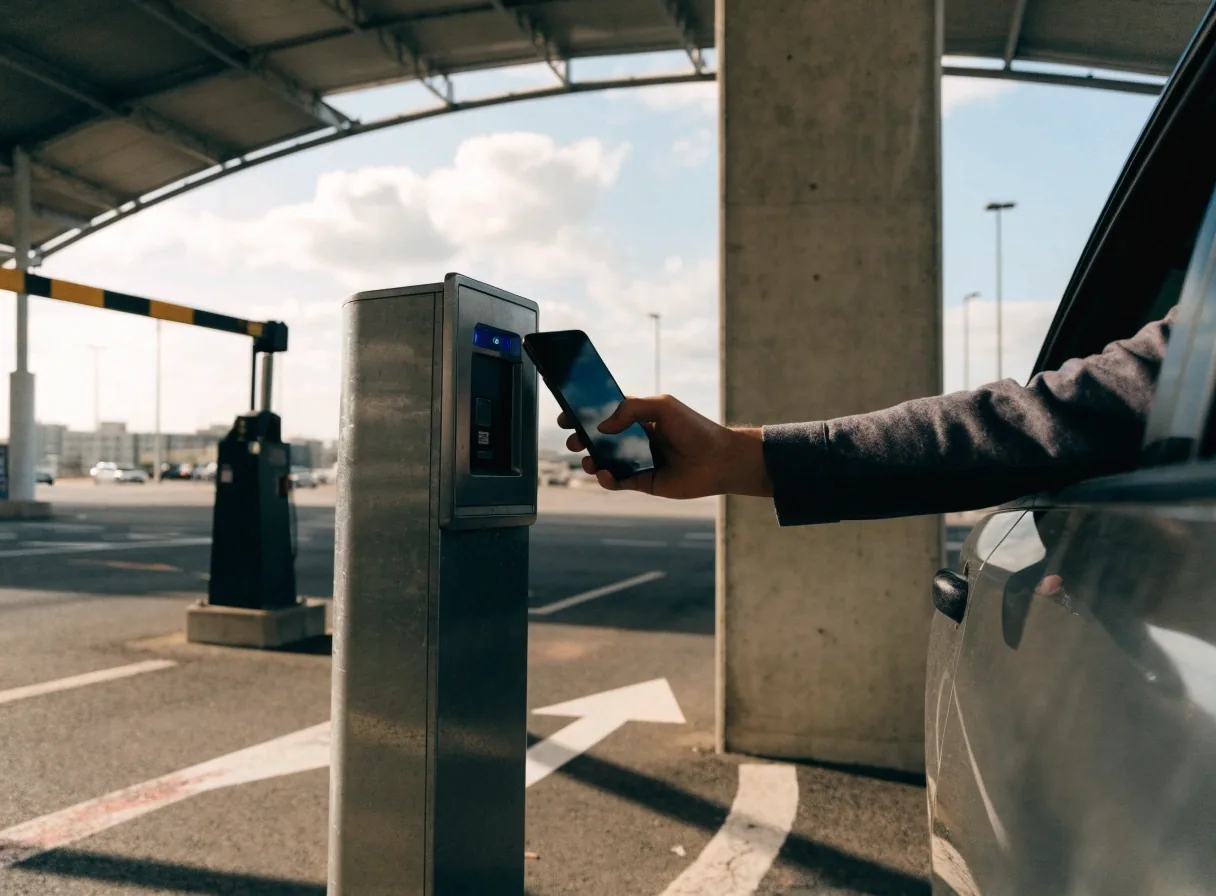
Your confirmation email carries a QR code plus your booked arrival and departure times and the car park you selected. The QR code is your access method — it is scanned at the entry gate and again at the exit gate when you return.
-
Before you leave home
Screenshot the QR code, or add it to your phone wallet if your email app allows it. Do this while you still have signal and battery.
-
At the entry gate
Open the code and scan it at the barrier. The gate reads the booking, which is why the car park and times on the email need to match your plan.
-
On the way out
Scan the same code at the exit gate. A code that only loads with four bars of reception inside a multi-storey car park is a problem you can avoid in advance.

If you need to change or cancel
Plans shift. Changes to your booking are handled through the same system you booked on, so keep the confirmation email accessible rather than deleting it after you park. If your dates move significantly, it is usually cleaner to adjust the booking than to arrive outside your booked window and sort it out at the gate.
The airport's own FAQ content is the place to check the specific terms that apply to changes, since these sit with the operator rather than with this site. If you want the general picture first, the parking FAQs page covers the questions travellers ask most often.
Browse parking FAQsBooking for someone else
If you are booking on behalf of a friend or family member who is doing the driving, remember that the QR code travels with whoever arrives at the gate. Forwarding the confirmation email is the simple way to handle it, but make sure the driver has it on their phone before they set off — not sitting in your inbox at home.
The same applies to a car being dropped at valet. The person handing over the keys needs the booking details, not just the person who paid. If the email lands with the wrong person, resend it rather than reading the code out over the phone.
Ask us about your bookingBooking questions we get asked
Short answers to the details travellers usually want confirmed before they pay.
How far ahead can I book Melbourne Airport parking online?
Up to twelve months before your arrival date. If your trip is further out than that, the online flow will not accept the dates yet — wait until you are inside the window, then book early for the widest choice of car park.
Can I still book if my flight leaves in a few hours?
Online bookings close roughly two hours before your arrival time. Inside that cut-off you are dealing with the entry gate and drive-up rates rather than the booking page, so it is worth checking the clock before you start filling in a form.
Which payment methods does the checkout take?
Payment is cashless. Card and digital wallet payments are accepted, and Apple Pay is listed among the supported methods for online booking. Have your details ready, because payment completes the booking.
Do I need to print the confirmation email?
No. The QR code on your phone is the access method, scanned at the entry gate and again on the way out. What matters is that the code opens without a signal, so screenshot it or save it to your wallet before you drive in.
What happens if my return flight is delayed?
A late return can push your exit past the departure time you booked. That is the scenario the optional Overstay Guarantee is offered to cover during checkout. If your dates are locked and your flight is not flexible, you can leave it unticked.

Once you have booked, the rest of the trip is easier
The booking is the part that needs your attention. After that, it is knowing where to drive, which shuttle to take and how the exit gate reads your code. Those guides are on this site so you can check them the week you travel, not the night before.
Melbourne Airport Parkings, 20 Keilor Park Drive, Tullamarine VIC 3043. Phone +61 3 8318 4726, email [email protected]. Office hours Monday to Friday 8:00 AM to 6:00 PM, Saturday 9:00 AM to 4:00 PM, closed Sunday.